You haven't signed in yet, you can have a better experience after signing in
Bartender 6 Mac Menu Bar Icon Management Tool Software 
Activity Rules
1、Activity time:{{ info.groupon.start_at }} ~ {{ info.groupon.end_at }}。
1、Activity time:cease when sold out。
2、Validity period of the Group Buying:{{ info.groupon.expire_days * 24 }} hours。
3、Number of Group Buying:{{ info.groupon.need_count }}x。
Please Pay Attention
1、Teamwork process: Join/initiate a Group Buying and make a successful payment - Within the validity period, the number of team members meets the activity requirements - Group Buying succeeded!
2、If the number of participants cannot be met within the valid period, the group will fail, and the paid amount will be refunded in the original way.
3、The number of people required and the time of the event may vary among different products. Please pay attention to the rules of the event.
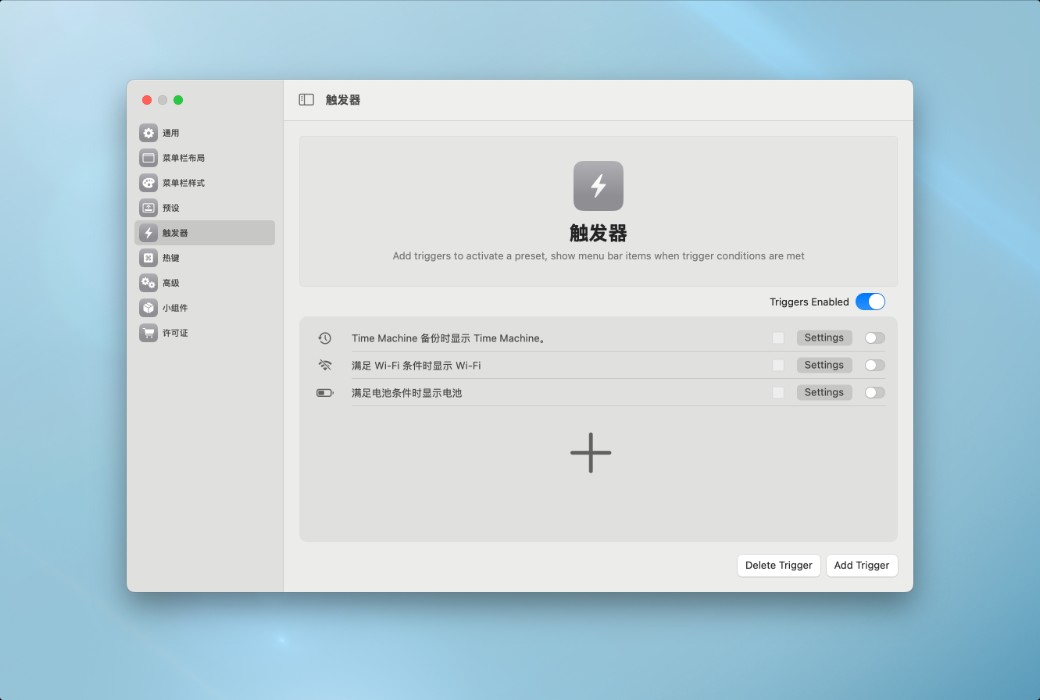
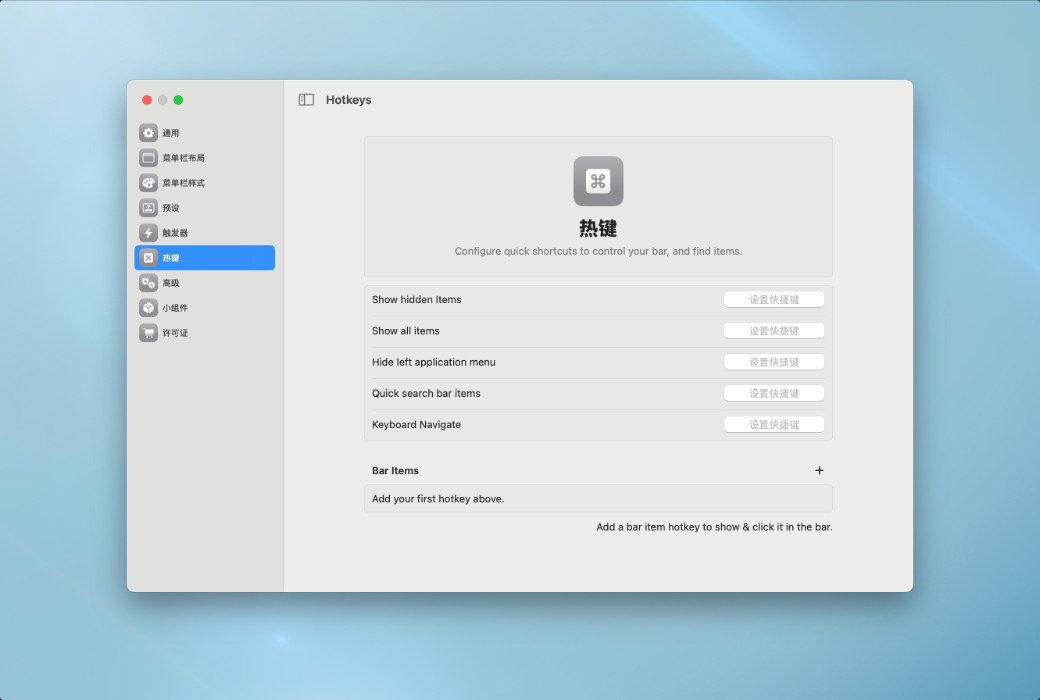
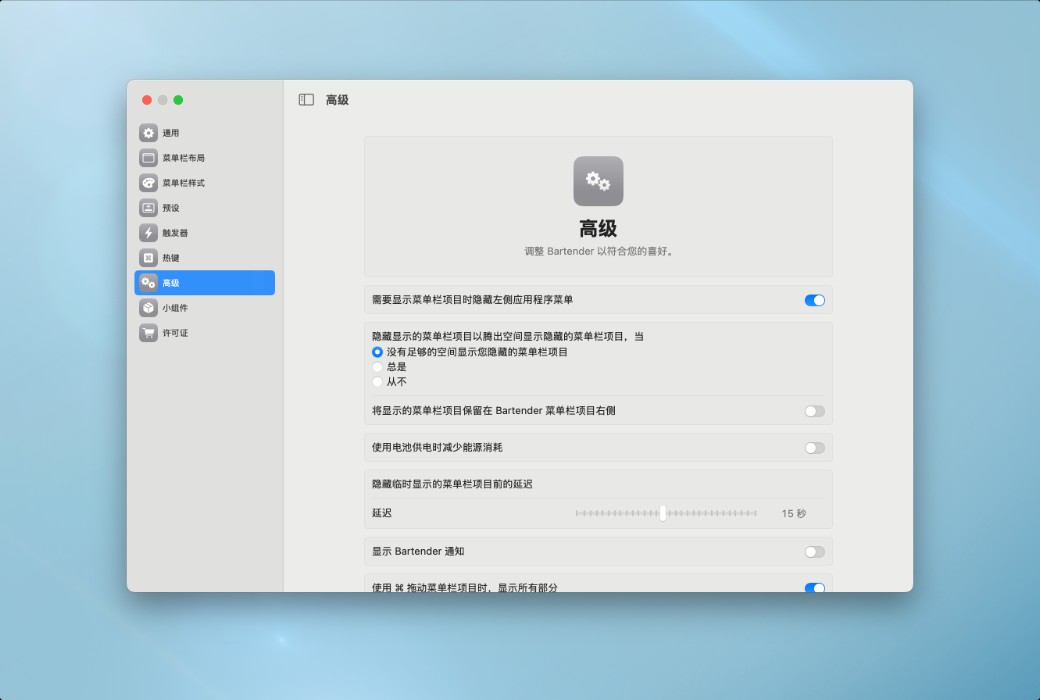
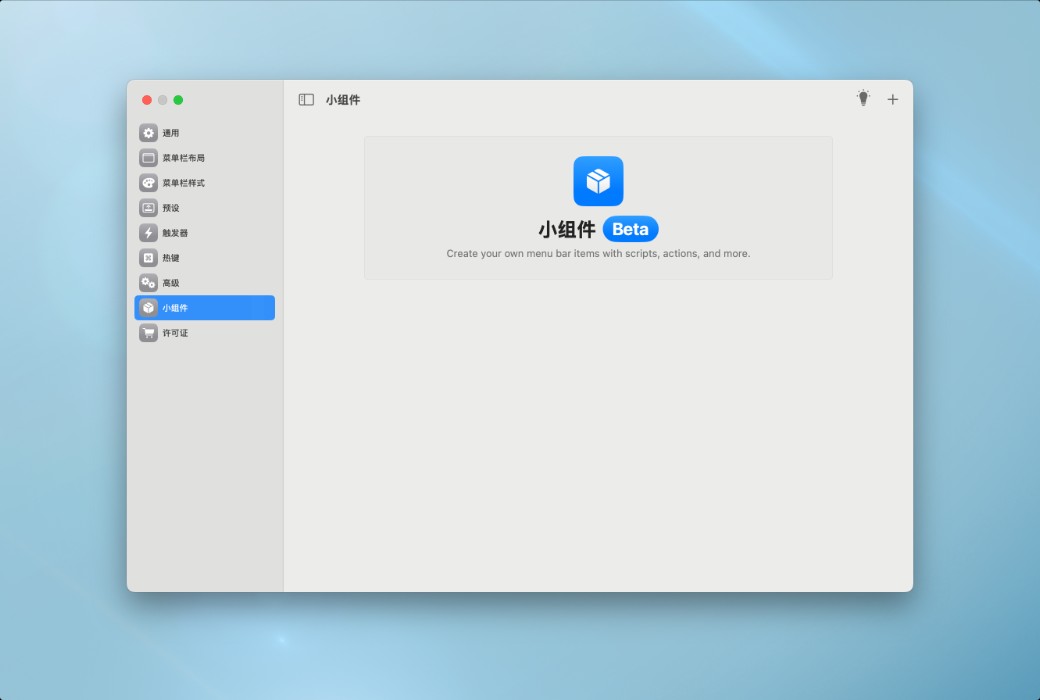
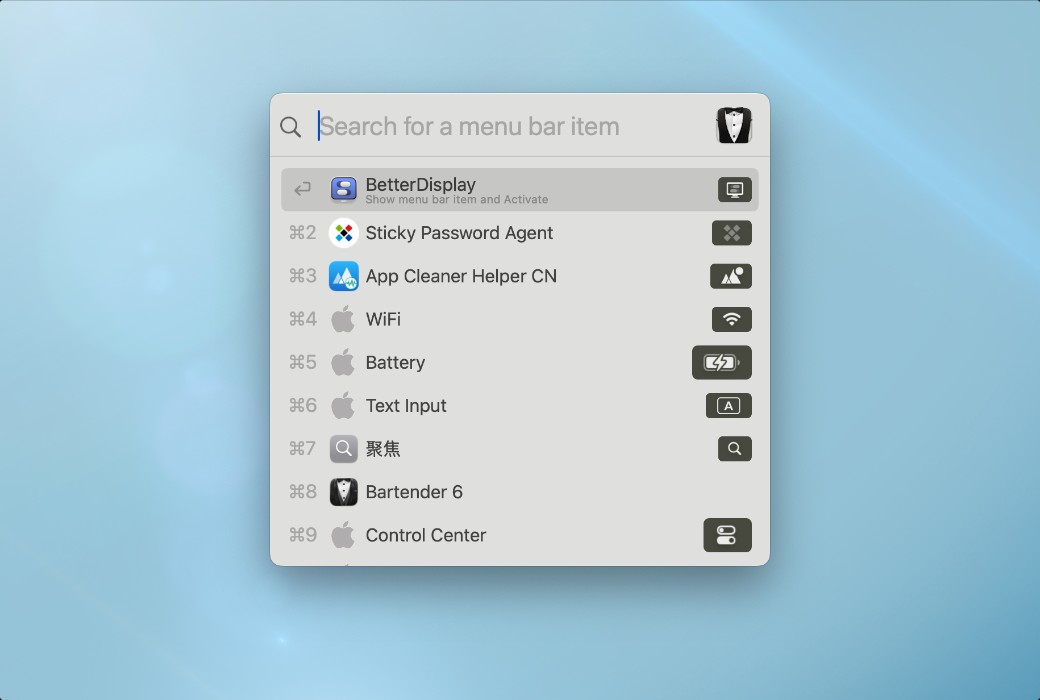
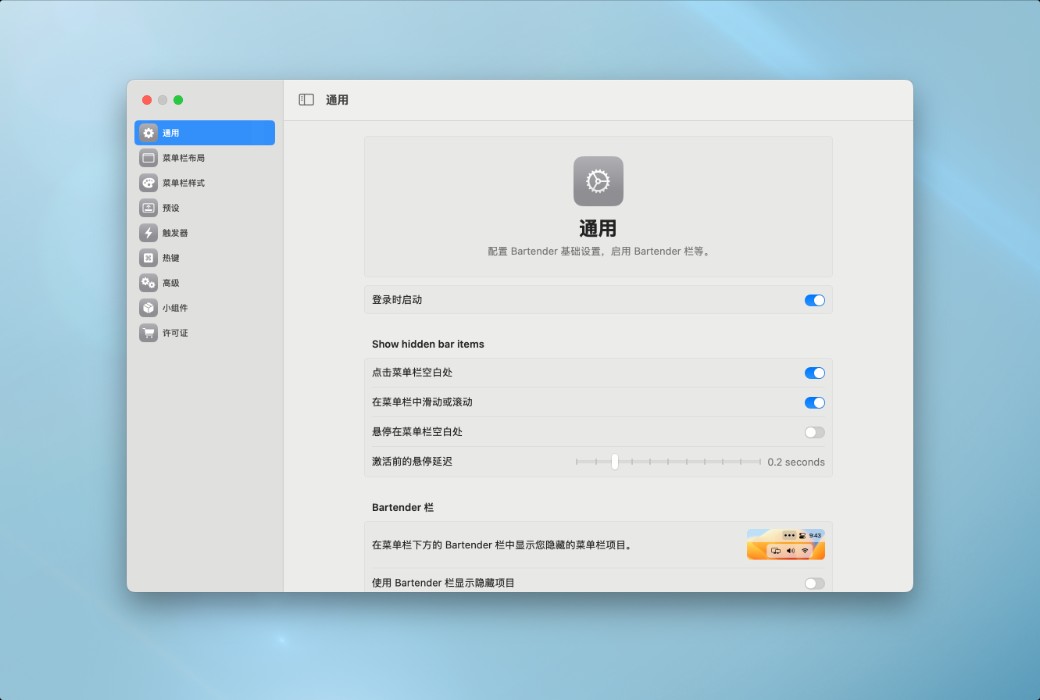
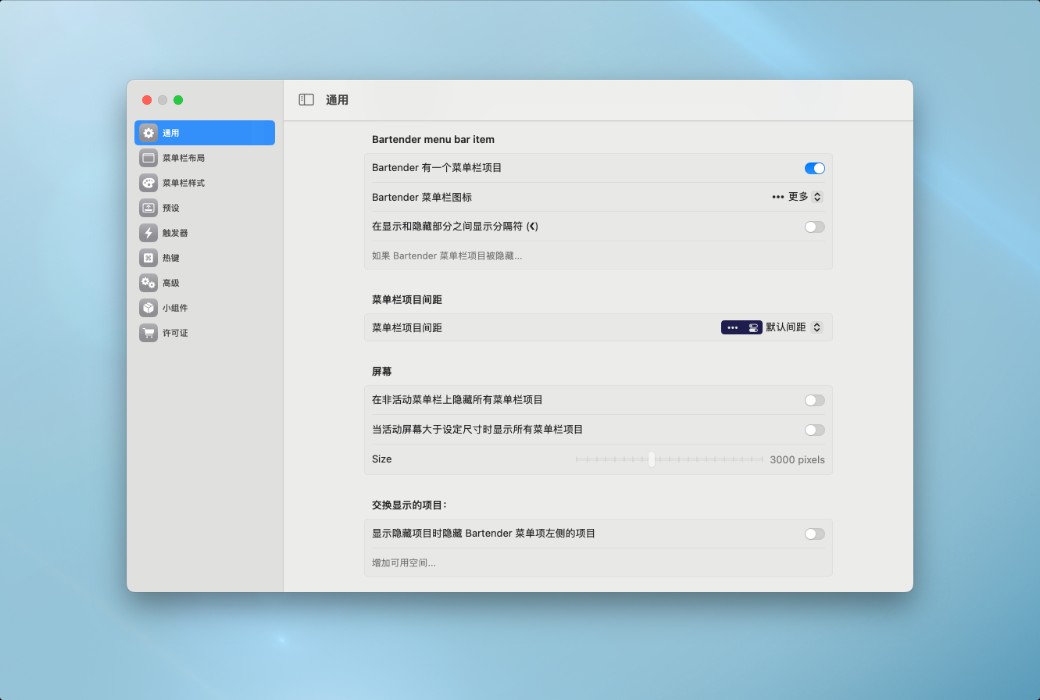
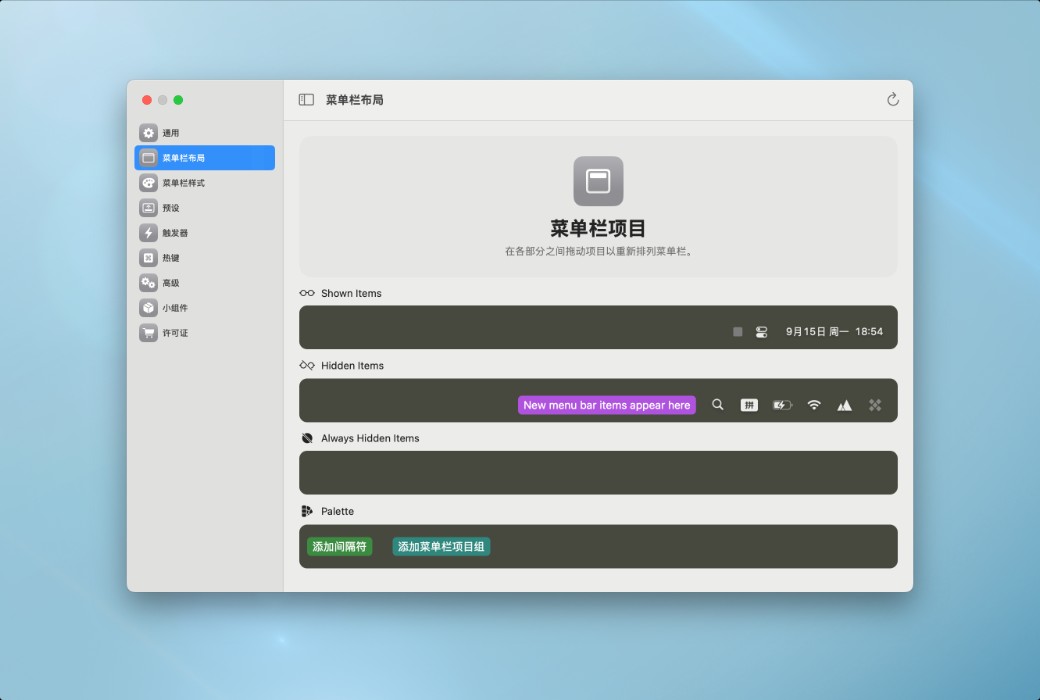
Bartender is an award-winning macOS app that has been empowering your menu bar for over a decade, giving you complete control over menu bar items, display content, and display timing. Menu bar items only appear when you need them. Bartender significantly enhances your work efficiency through features such as quick display, search, customizable hotkeys, and triggers.
Born for Tahoe,
Includes Liquid Glass.
Fully reimagined for macOS Tahoe from the ground up. Introducing Apple's new Liquid Glass design language, every touch on the menu bar is smoother, faster, and more responsive.
Everything about the menu bar,
is under your control.
Faster access, deeper control, more flexible automation solutions, and every detail to keep your Mac always tidy.
Slide, scroll, click, or hover to instantly reveal hidden menu bar icons.
Reach for icons obscured by the MacBook notch. When space is scarce, Bartender automatically makes room.
When more space is needed, hide icons into a dedicated section below the menu bar.
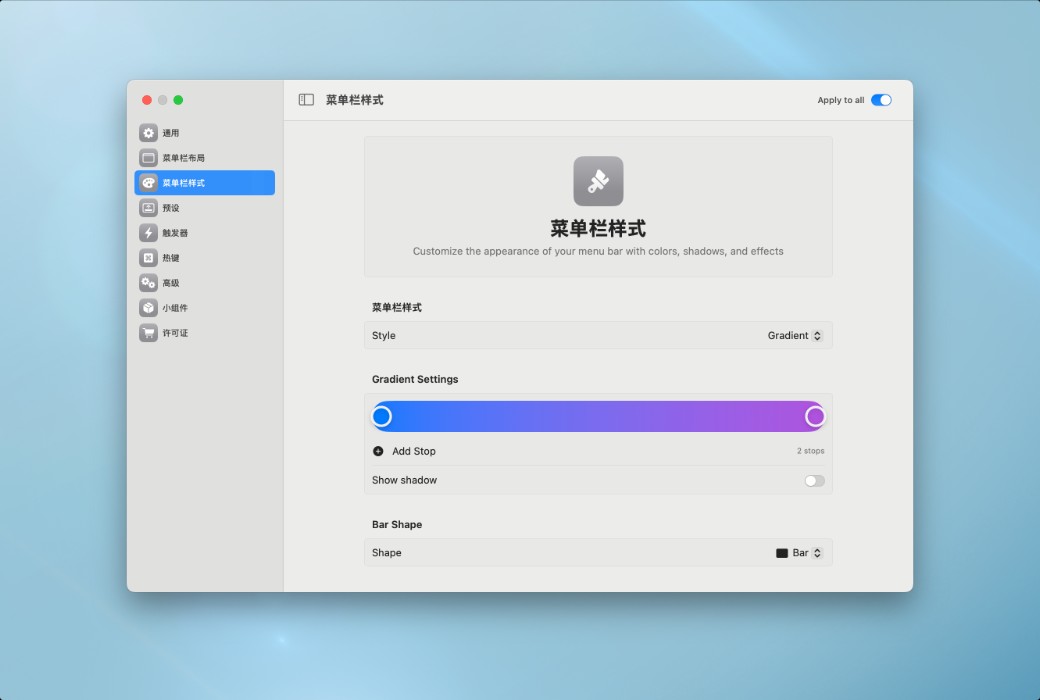
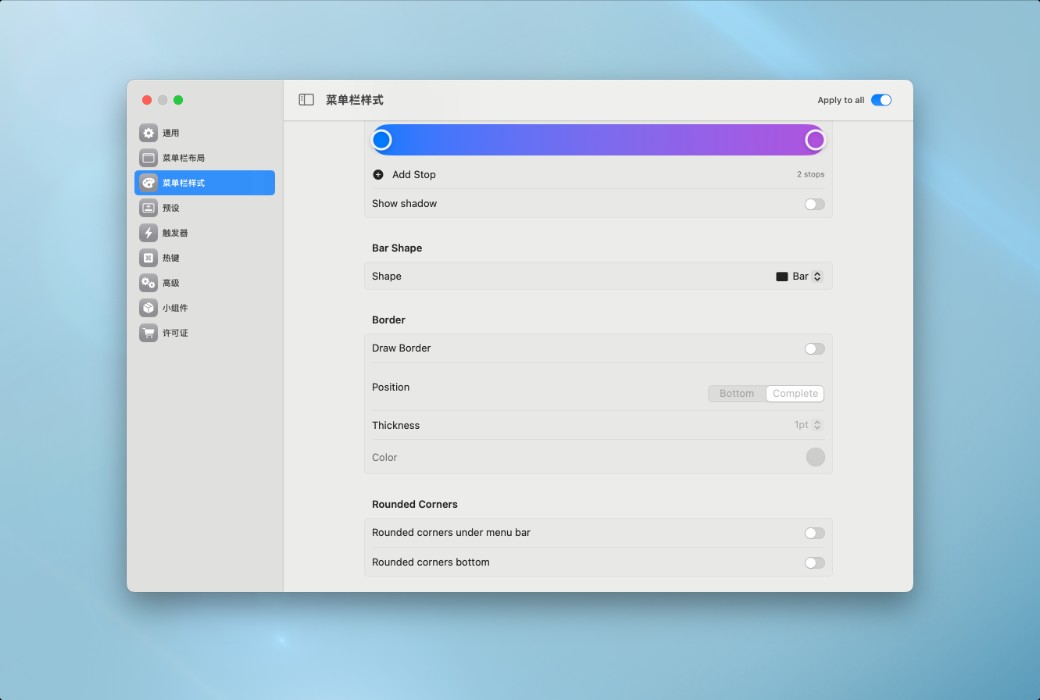
Colors, gradients, borders, shadows, rounded corners, and split-screen styles to create a unique menu bar.

Official Website:https://www.macbartender.com/
Download Center:https://macbartender.apsgo.cn
Delivery Time: Automatic delivery within 24 hours
Operating Platform: macOS
Interface Language: Only supports Simplified Chinese interface display.
Update Instructions: Standard Edition - Lifetime Version: Supports minor version upgrades, such as v6.x. The Professional Edition has more features and is sold as a 1-year subscription license on the Softgo Mall.
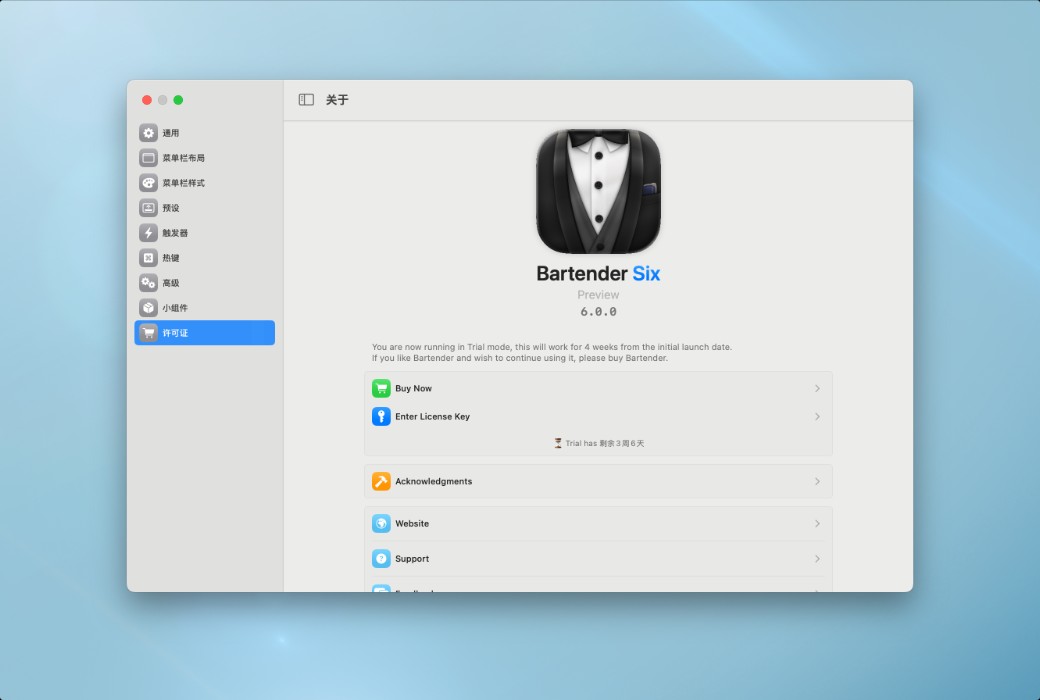
Trial Before Purchase: Free trial for 28 days before purchase.
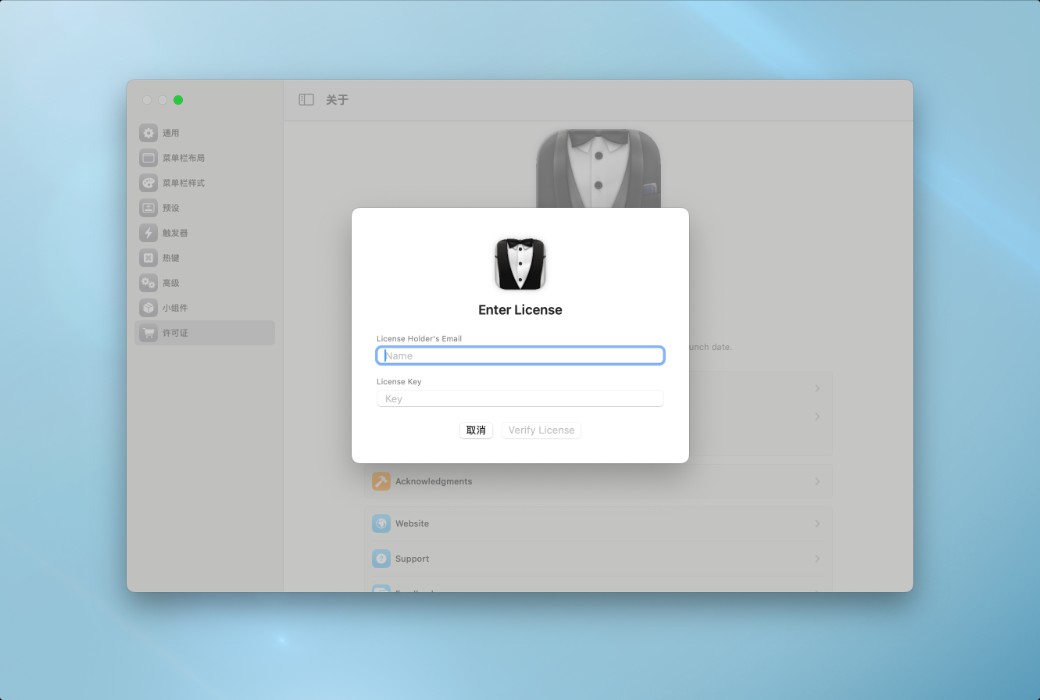
How to Receive the Product: After purchase, the activation information will be sent to the email used for ordering, and you can also view the corresponding product activation code in your personal center, My Orders.
Number of Devices: Can install and activate on all your Mac devices.
Changing Computers: Uninstall on the original computer and activate on the new one.
Activation Guide:Click to view the graphical tutorial >>
Special Instructions: Bartender 6 is only compatible with macOS Tahoe. Bartender 6 is only compatible with macOS Sequoia/Sonoma. Due to internal changes in macOS, the design of Bartender 6 only supports the latest version of macOS. If necessary, Bartender 6 licenses are compatible with Bartender 5.
References:https://www.macbartender.com/

Any question
Yes, the license is available for Mac that you own and are the primary user of.
Answer from official website:https://www.macbartender.com/Bartender5/support/